
Build Your Next Site with AI, Not Themes
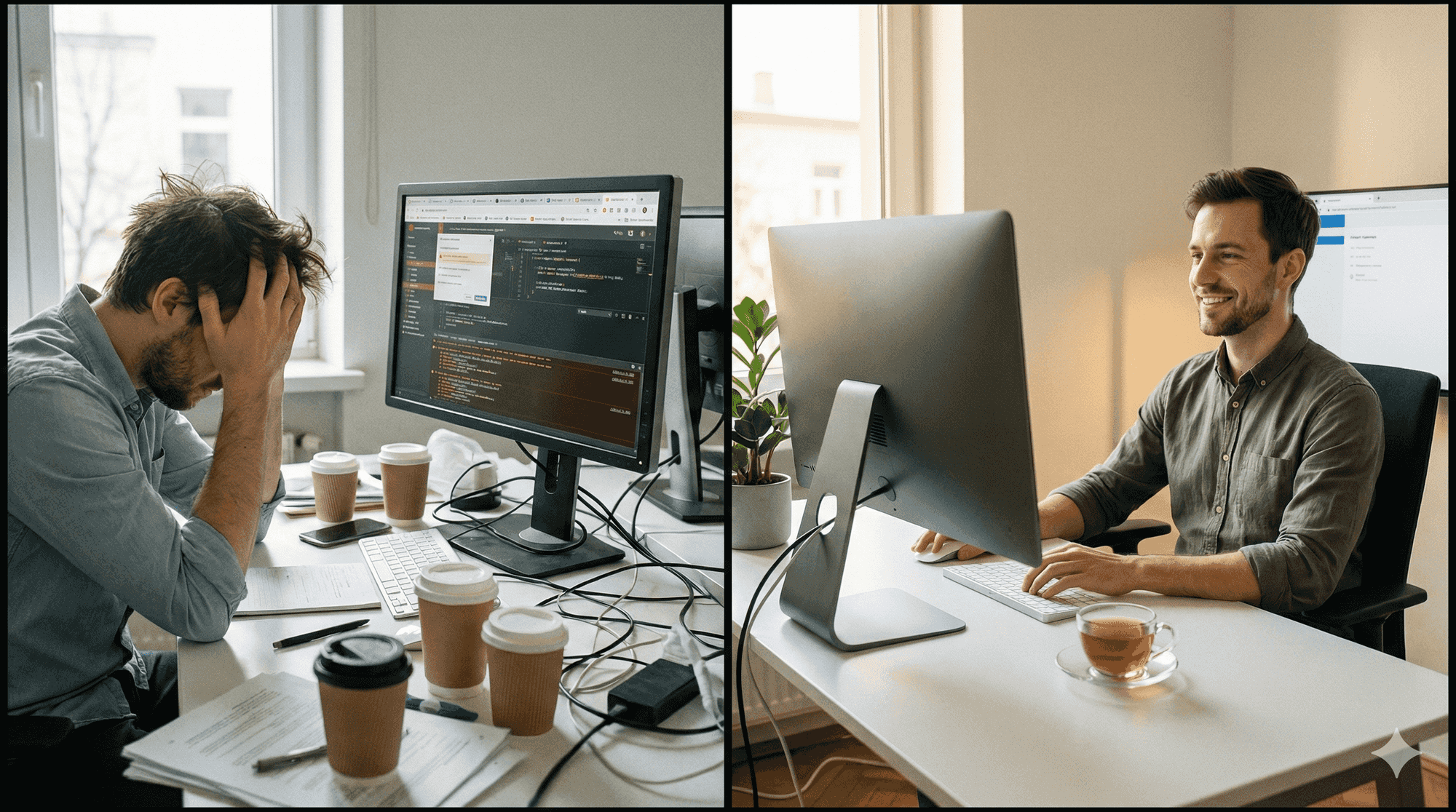
If you've ever spent half a day hunting for a theme that almost does what you need, or fighting with a page builder that breaks every time you update, you know the feeling. You end up negotiating with software that wasn't designed for what you actually want, instead of building anything.
There's another way now. AI coding tools can build your frontend faster than any theme marketplace. I made the switch last year.
The theme hunting trap
I used to spend hours on ThemeForest. Looking for something close enough. Maybe the portfolio section worked but the blog layout was wrong. Maybe the design was perfect but the code was a mess of nested divs and inline styles.
This isn't just a WordPress problem. I've done the same dance with Joomla templates, Ghost themes, Wix's template library. The pattern never changes: find something 80% right, spend days hacking it to get the other 20%, then watch it break when you update.
The plugin situation makes it worse. Over 8,000 WordPress vulnerabilities were reported in 2024, a 34% increase from the year before. 92% of successful breaches came from plugins, not core software. And more than half of reported vulnerabilities never get patched before they're publicly disclosed.
That's the reality if you're running client sites. Updates are constant, and so is the anxiety about which plugin is going to cause problems this week.
Why AI changes the math
Here's what I didn't see coming: AI coding assistants are way better at helping with modern JavaScript than they are with traditional CMS code.
The training data skews toward React, Vue, TypeScript. When I ask Copilot or Claude to build something in Next.js, I get working code most of the time. When I used to ask about WordPress hooks or Joomla extensions, the suggestions sounded right but often didn't work when I actually tried them.
GitHub Copilot has a 46% code completion rate for JavaScript and TypeScript.
I felt this most clearly when building a custom event calendar. The React version took maybe an hour with AI assistance. The WordPress version? Two days. Stack Overflow, debugging weird edge cases, trying to make a plugin do something it wasn't designed for.
And this gap keeps widening. As AI tools improve, they improve mostly for languages and frameworks with the most training data. Traditional CMS templates aren't where that growth is happening.
The headless approach
"Headless CMS" sounds more complicated than it is. You keep a CMS for managing content, but the frontend is a separate application that pulls data through an API, so content lives separately from design.
For the CMS part, you have options:
Directus is self-hosted and works with existing databases. The catch: BSL licensing means you pay once revenue passes $5M.
Strapi - Open source with a solid ecosystem. Catch: can be resource-heavy on smaller servers.
Sanity - Great for real-time collaboration. Catch: usage-based pricing that can add up.
Payload - Code-first, TypeScript native. Catch: newer with a smaller community.
Or you can use what you already have. WordPress has a REST API built in. Ghost does too. You keep the admin interface your clients know, but serve the content through a modern frontend.
Building with AI
Modern frontend code is simple enough that AI can write most of it.
This is what fetching blog posts looks like in my setup:
const posts = await directus.items('posts').readByQuery({
  filter: { status: { _eq: 'published' } },
  sort: ['-date_published'],
});

return posts.map(post => <ArticleCard key={post.id} {...post} />);
Six months later, I can read this code and know exactly what it does. More importantly, Copilot can read it too. When I need filtering or pagination, I describe what I want and get working code back.
Try that with a complex WP_Query nested inside a custom theme template. The AI tries, but it's guessing more than knowing.
My workflow now: describe what I want, get a scaffold, tweak until it's right. Last week I needed a filtering feature. Wrote the requirements in a comment, AI generated 80% of it, I spent fifteen minutes on details. Done.
What you actually get
The performance difference surprised me. My pages went from 3+ seconds to under one. One benchmark puts Next.js at up to 3x faster load times through static generation and server-side rendering.
Security got simpler too. No plugins means no plugin vulnerabilities. The attack surface shrinks when you're serving static files instead of running PHP on every request.
But the real win is development speed. I'm building features again instead of maintaining infrastructure. When I want something custom, I build it. The code is mine and I understand all of it.
What you lose
I'm not going to pretend this is all upside.
Visual page builders are gone. No more Elementor drag-and-drop. Your clients can edit content in the CMS, but they can't rearrange page layouts without a developer. For some clients, that's a dealbreaker.
The plugin ecosystem disappears. If you need a contact form or an events calendar, you write it yourself or find a service for it. Everything the plugins used to handle becomes code you write or services you pay for.
Build times add friction. Every change triggers a rebuild, usually 30-60 seconds. For most sites that's fine. For a news site publishing constantly, it might matter.
You need JavaScript skills. WordPress let non-developers poke around and change things. This approach really doesn't. If you're not comfortable with React or Vue, you'll need to hire someone who is.
Hosting is different too. Your CMS needs a server, your frontend can go on Vercel or Netlify. Total cost usually works out similar, but the setup is more involved.
When this makes sense
This works well if you write code (or have developers) and want AI tools that actually help instead of guess. It also fits if you're tired of fighting themes and plugins and want to own your code completely.
It probably doesn't work if your current CMS is fine for what you do, your clients need to edit layouts visually, you don't have development time or budget, or you need to launch quickly with minimal setup.
There's a middle ground too: use your current CMS as a headless backend. Keep the familiar admin, build a modern frontend. Your clients keep editing content the way they always have, and you get AI-assisted development.
The actual change
What I notice most is that I enjoy building sites again. The anxiety about updates and security is gone. When I want to add something, I add it. The AI helps instead of shrugging.
It took me about three weeks to migrate, working evenings and weekends. Content export was easy. Rebuilding custom functionality was the slow part. Every plugin that "does the thing" becomes code you have to write.
Worth it? For me, absolutely. But I'm comfortable with JavaScript and I wanted modern tooling. If your CMS works fine and you're not feeling the pain, there's no reason to change.
What frustrations are you dealing with on your current CMS? Or have you already made the jump to headless?